 PHPSandbox
# Exporting Notebooks
PHPSandbox also allows you to export your work on PHPSandbox to a new GitHub repository that will be created on your behalf. Unlike importing, this will require you to be signed into PHPSandbox with your GitHub account.
To export your project when you're already signed in, you need to access the GitHub section from the sidebar by clicking the GitHub logo.
You will be required to authorize your account the first time for this to be possible.
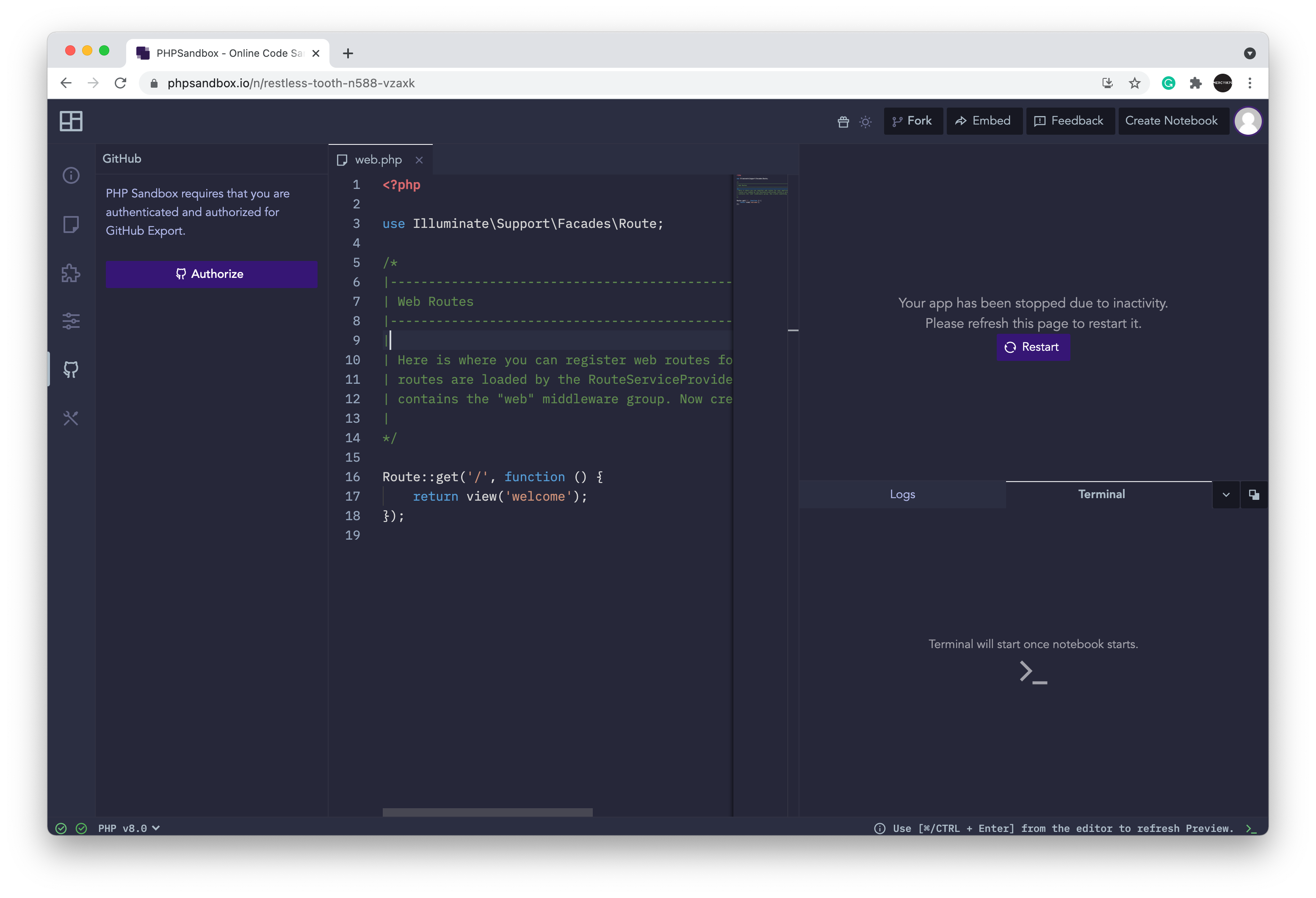
Once authorized, you will be asked to provide the repository name like in the image below:
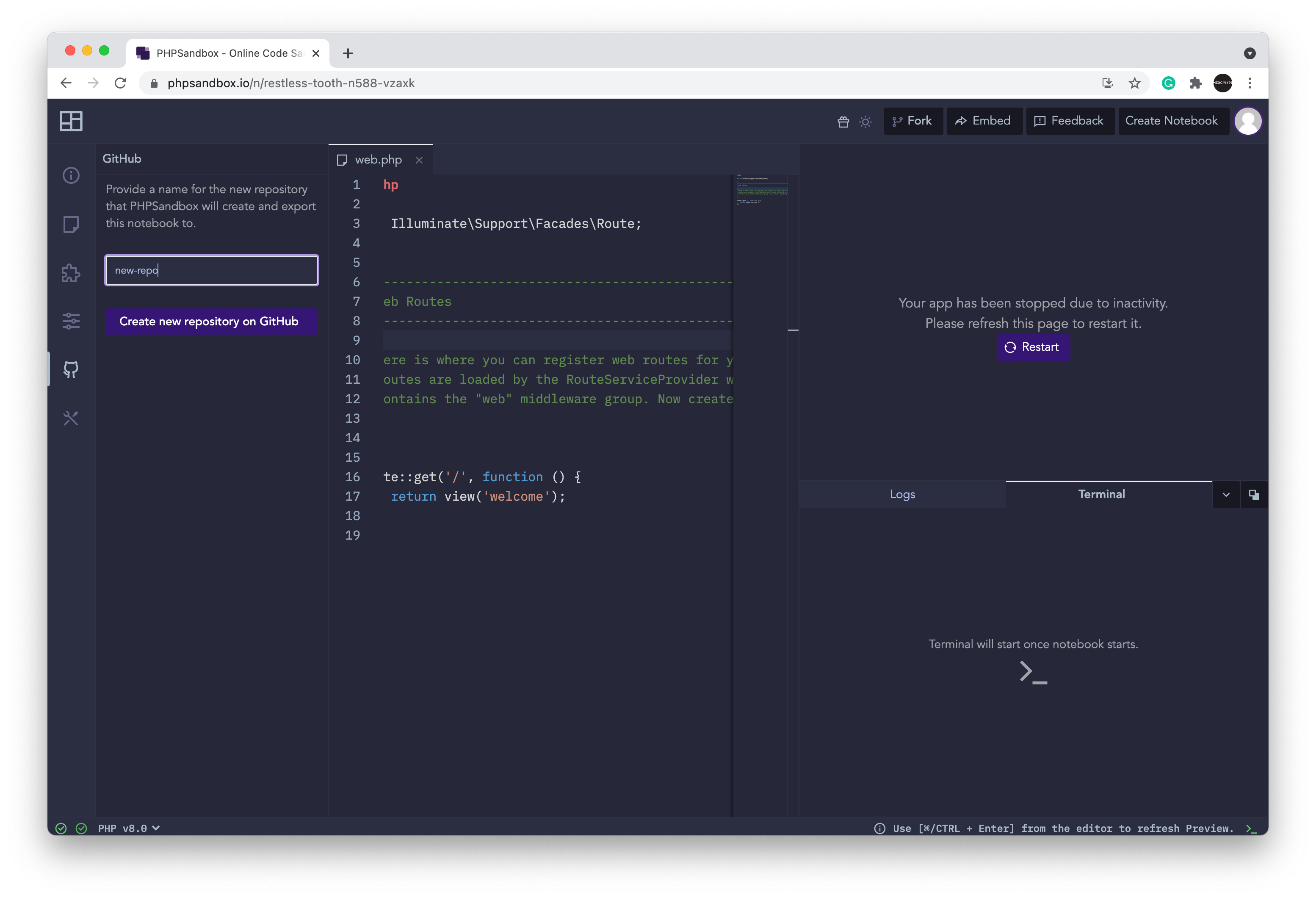
After clicking on the Create new repository on Repository button, a repository with the name provided will be created in your github account and all the contents in your phpsandbox notebook will be synchronized there.