PHPSandbox
# Managing Packages
Support for managing Composer packages is provided in PHPSandbox. This means you can Search, Install, Update and Remove composer packages in your notebook.
The process to installing a package begins by opening the Packages section from the sidebar like:
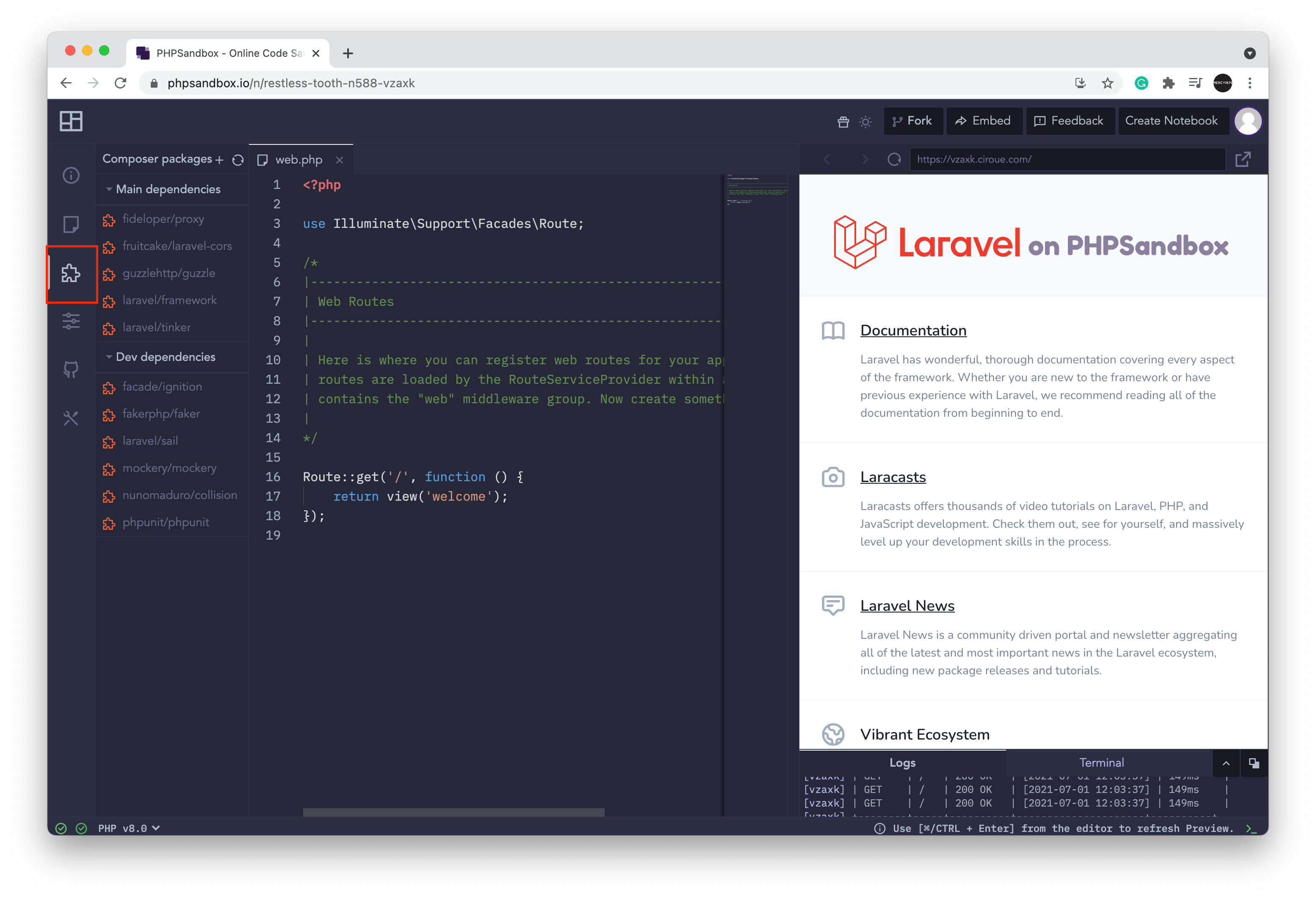
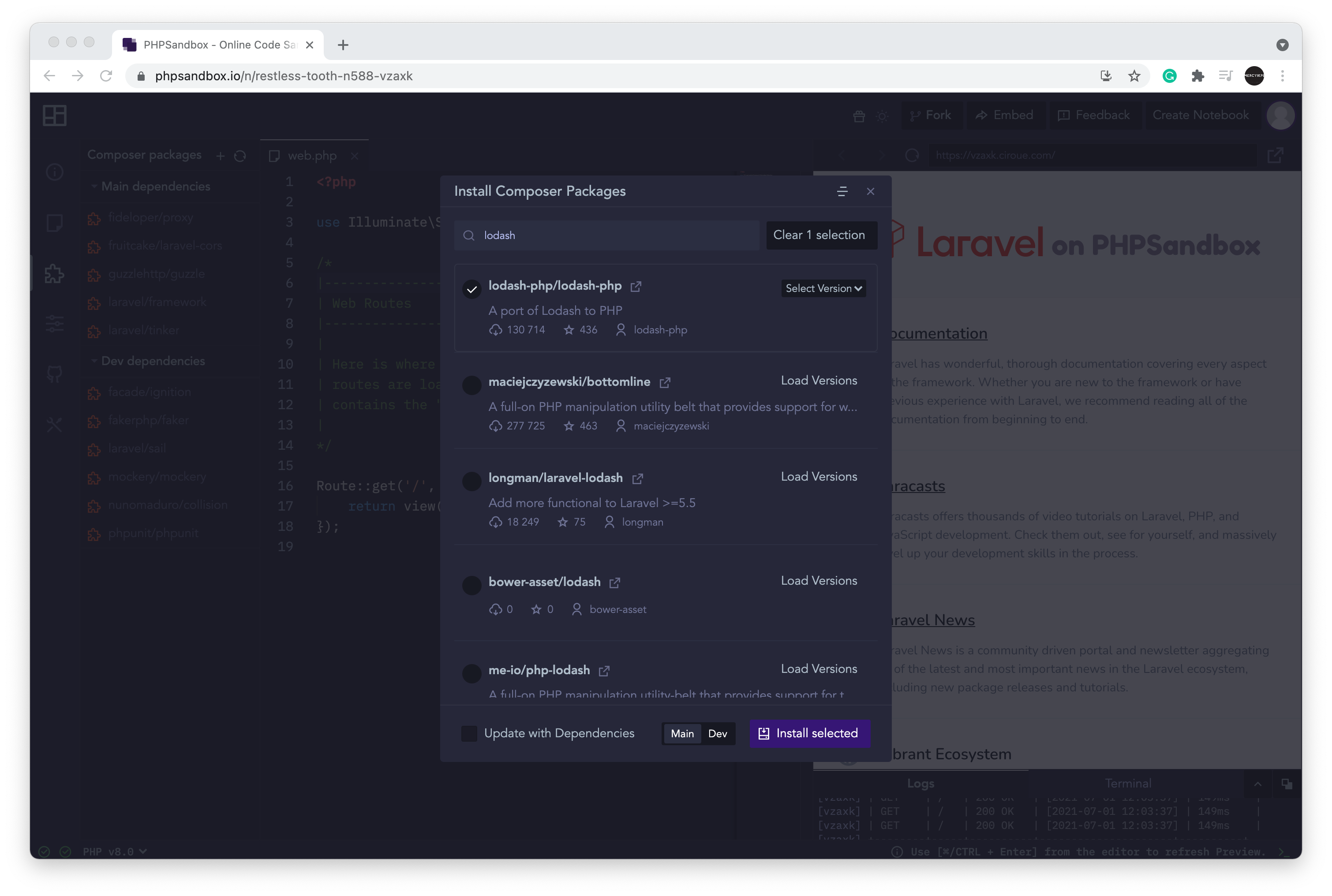
Once opened, you will have to search for the package by clicking the "Add Package" button. Clicking on this button opens a modal where you can search any package listed on packagist.
You can Load versions and select the package version then click on the Install selected button.
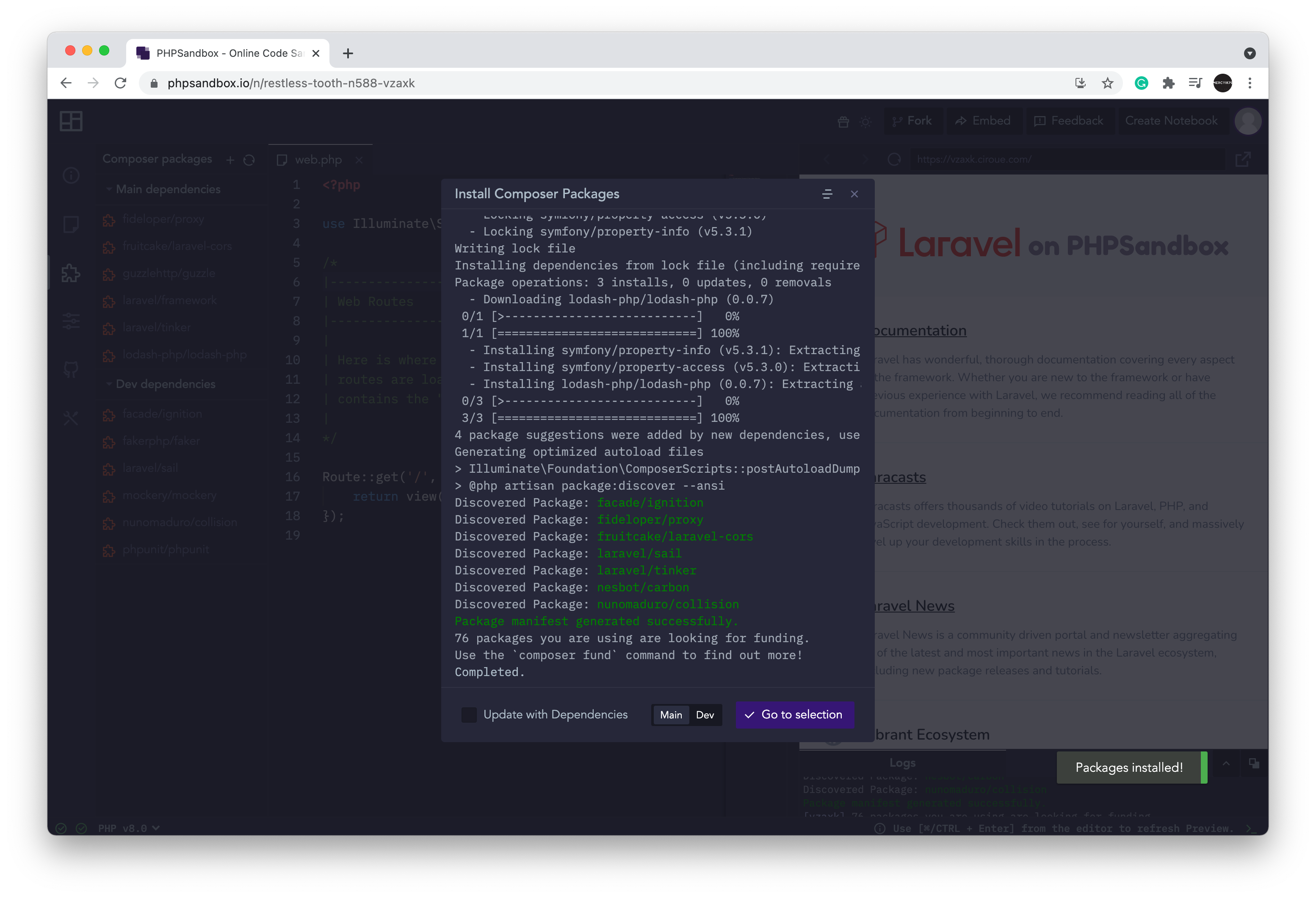
Successful package installation is as the image below.
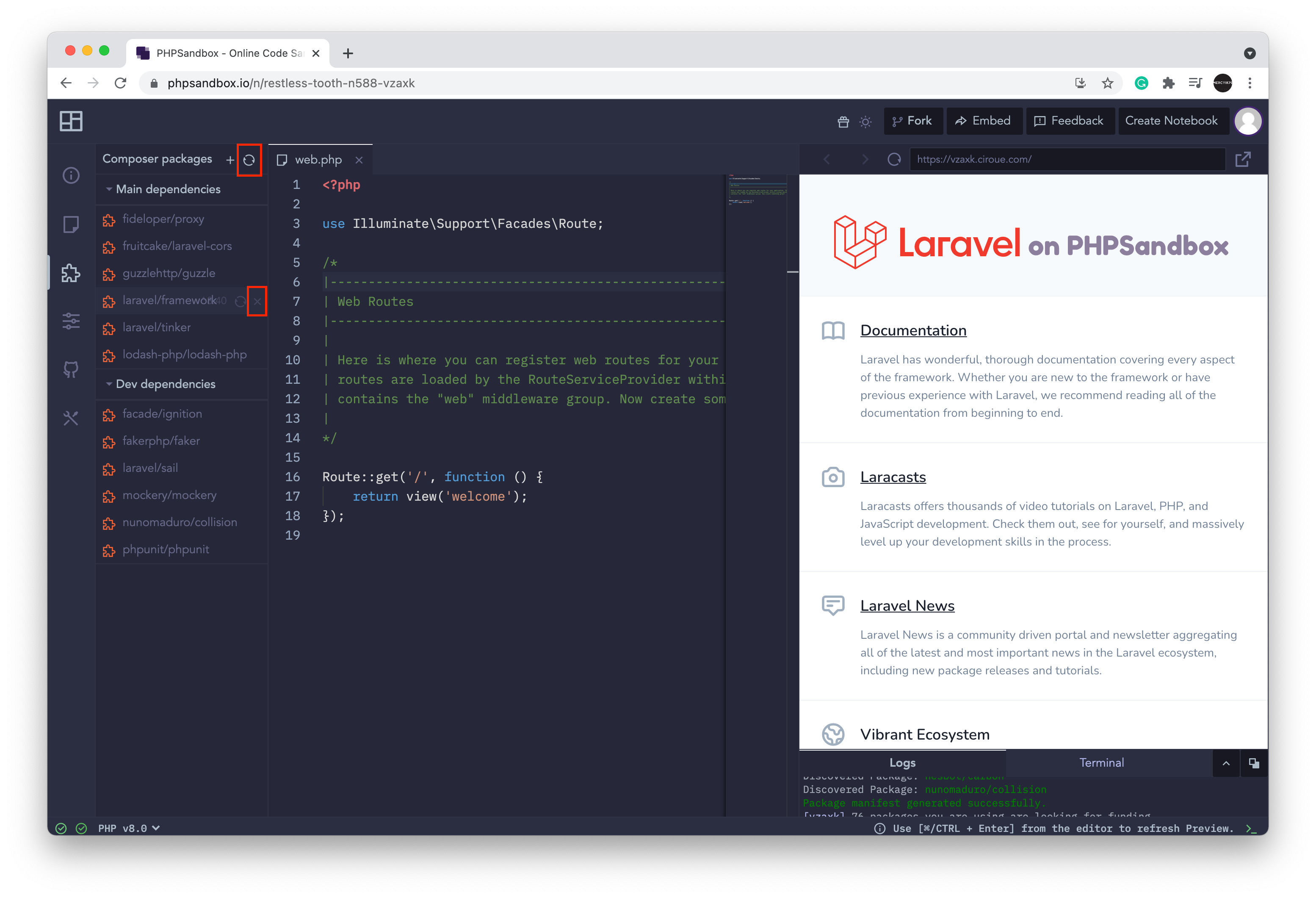
You can remove or update your packages from the package list which is updated after installing a package.
We also provide the opportunity to update all packages by clicking on the Refresh icon in the packages section.